help
Google Web Fonts
Google Web Fonts
Please note that in order to use this feature you must be a premium member with a custom domain setup. Additional Google Fonts will only work on your custom domain!
To use other fonts from Google Web Fonts simply go to their site:
http://www.google.com/webfonts
find the font you want, then click quick-use.
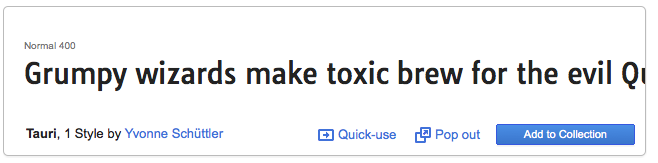
On the next page copy the text which reads 'add this code to your site'.
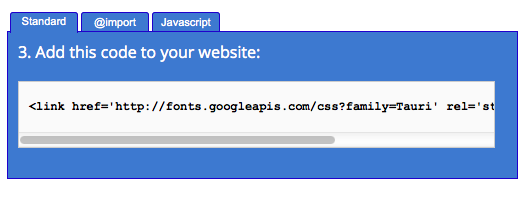
Then go to your account settings page. Paste the text into the box called 'Meta tags'.

Then go back to the google web fonts page and copy the text under 'intergrate the fonts into your CSS'.
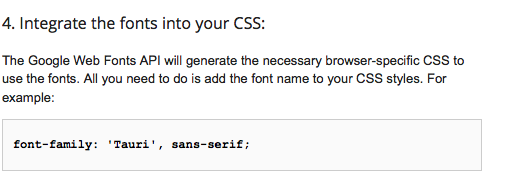
Paste this text into your custom CSS on Salon.io and apply it to whichever elements you want.
For example:
body {
font-family: 'Tauri', sans-serif;
}
Will apply the font to your whole page.
JavaScript is turned off.
Please enable JavaScript to view this site properly.
 Salon.io